[Vimeo/Webex] How to Use StreamAlive with Vimeo and Webex
Written By Team Streamalive
Last updated About 1 year ago
Step 0: Make sure you have the StreamAlive Chrome Extension.
Step 1: Navigate to your Vimeo or Webex live session page.
Step 2: Click on the StreamAlive Chrome Extension in your browser.
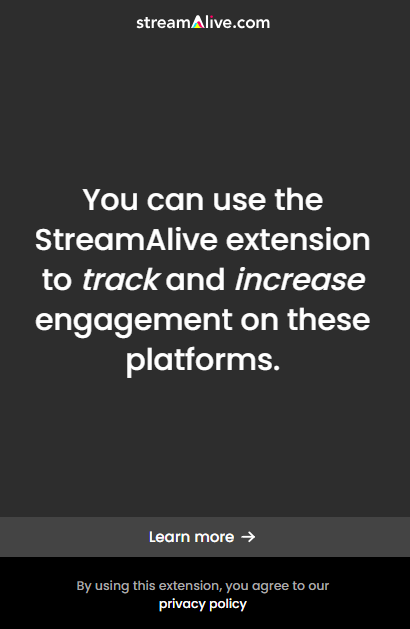
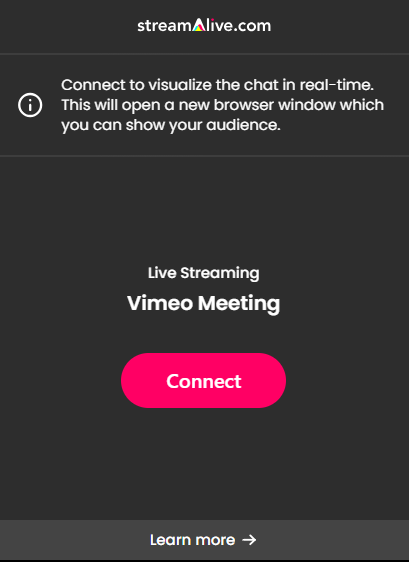
Step 3: Start a new session by pressing Connect.
Step 4: Share your screen with the audience.
Step 5: Start running your interactions.
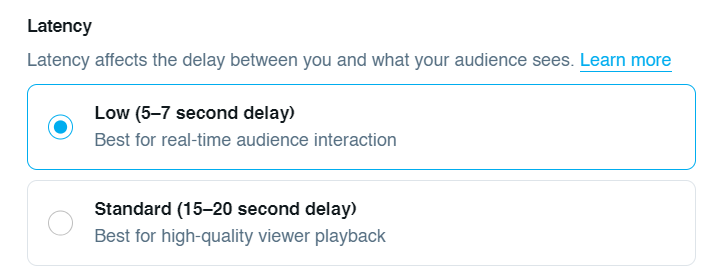
Please be aware that you may experience latency when running these sessions.
For Vimeo, we recommend low-latency streaming for the best results during audience interactions.
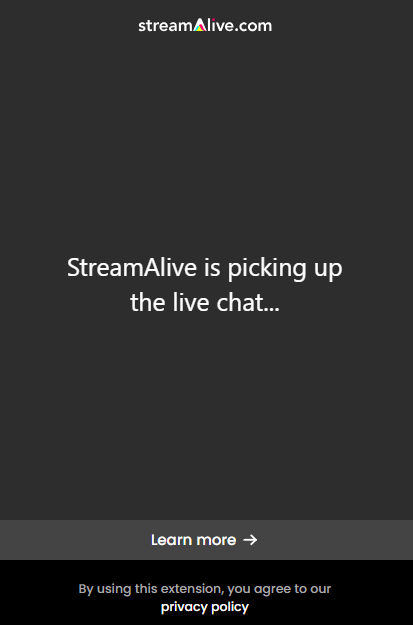
You've done something right if the extension looks like this:
Was this helpful?
Still need help? Ask the team