Installing PPT Add-in
Written By Donkin Lyngdoh
Last updated 10 months ago
NOTE: Supports PowerPoint version 16.100.00 and above only
The StreamAlive PowerPoint Add-in lets you embed live interactions, such as polls, word clouds, quizzes, maps, and more, directly into your slides.
Before using it, you’ll need to install the add-in inside PowerPoint:
Option A: Through the Microsoft Appsource Marketplace
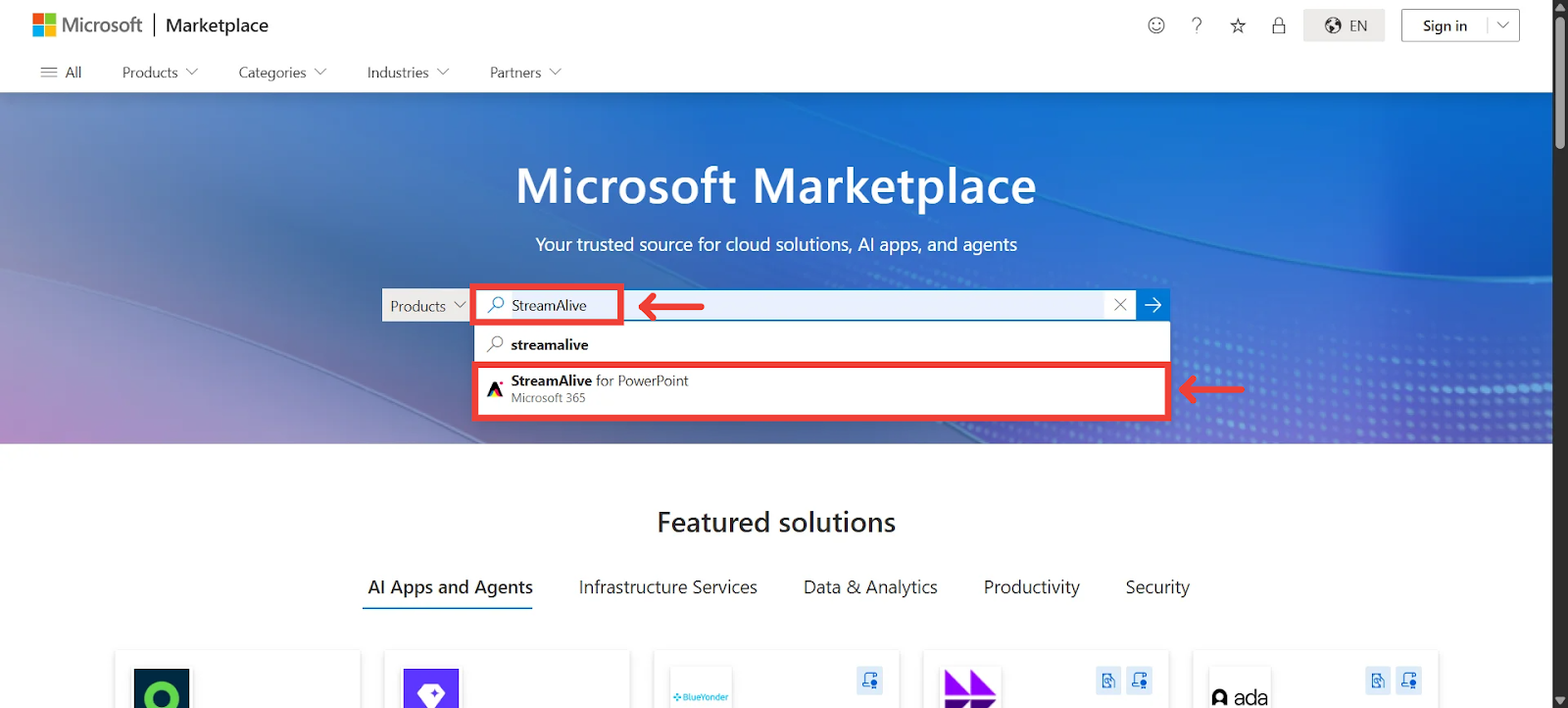
Go to https://marketplace.microsoft.com/en-us/

Search for StreamAlive and click on the StreamAlive listing
Click on “Get it now”
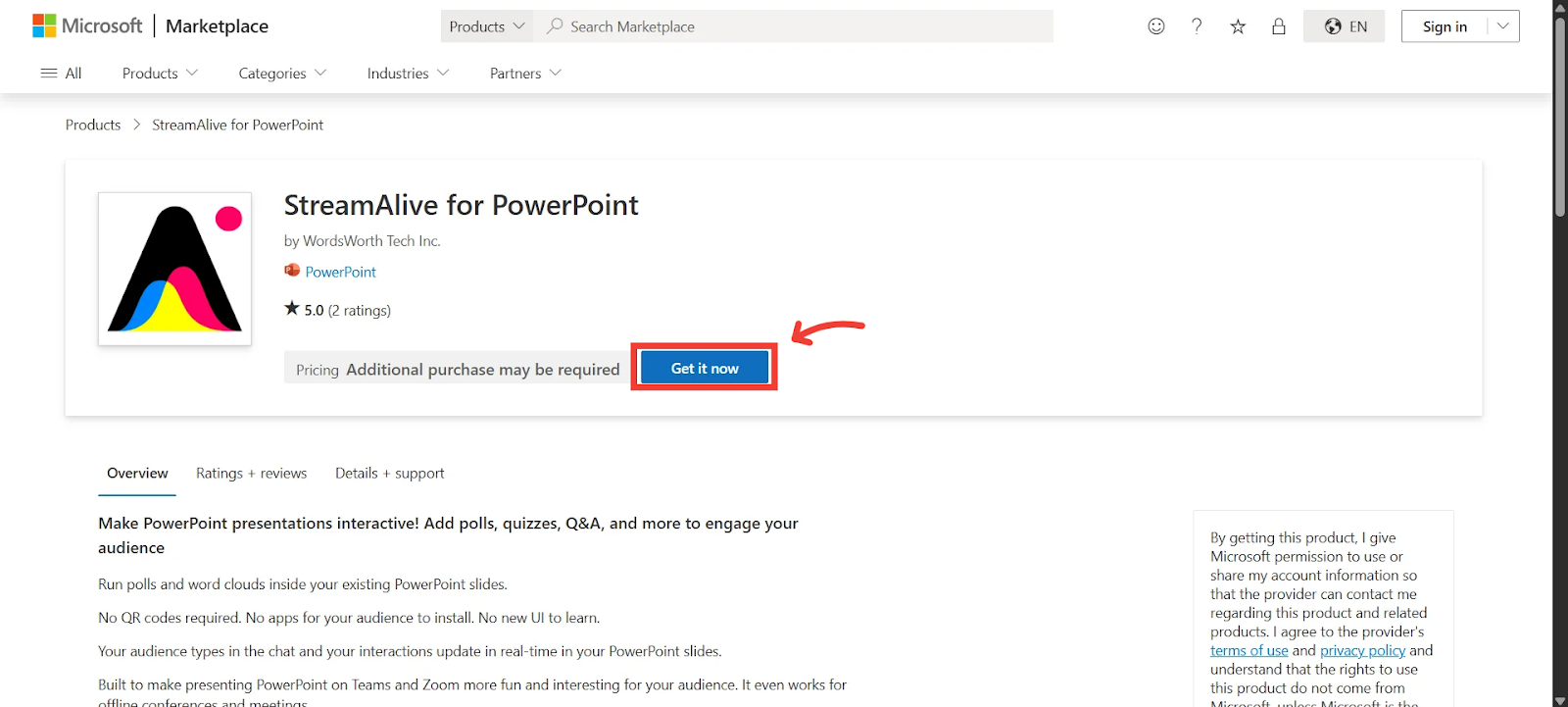
Option B: Through the Add-in tab in PowerPoint
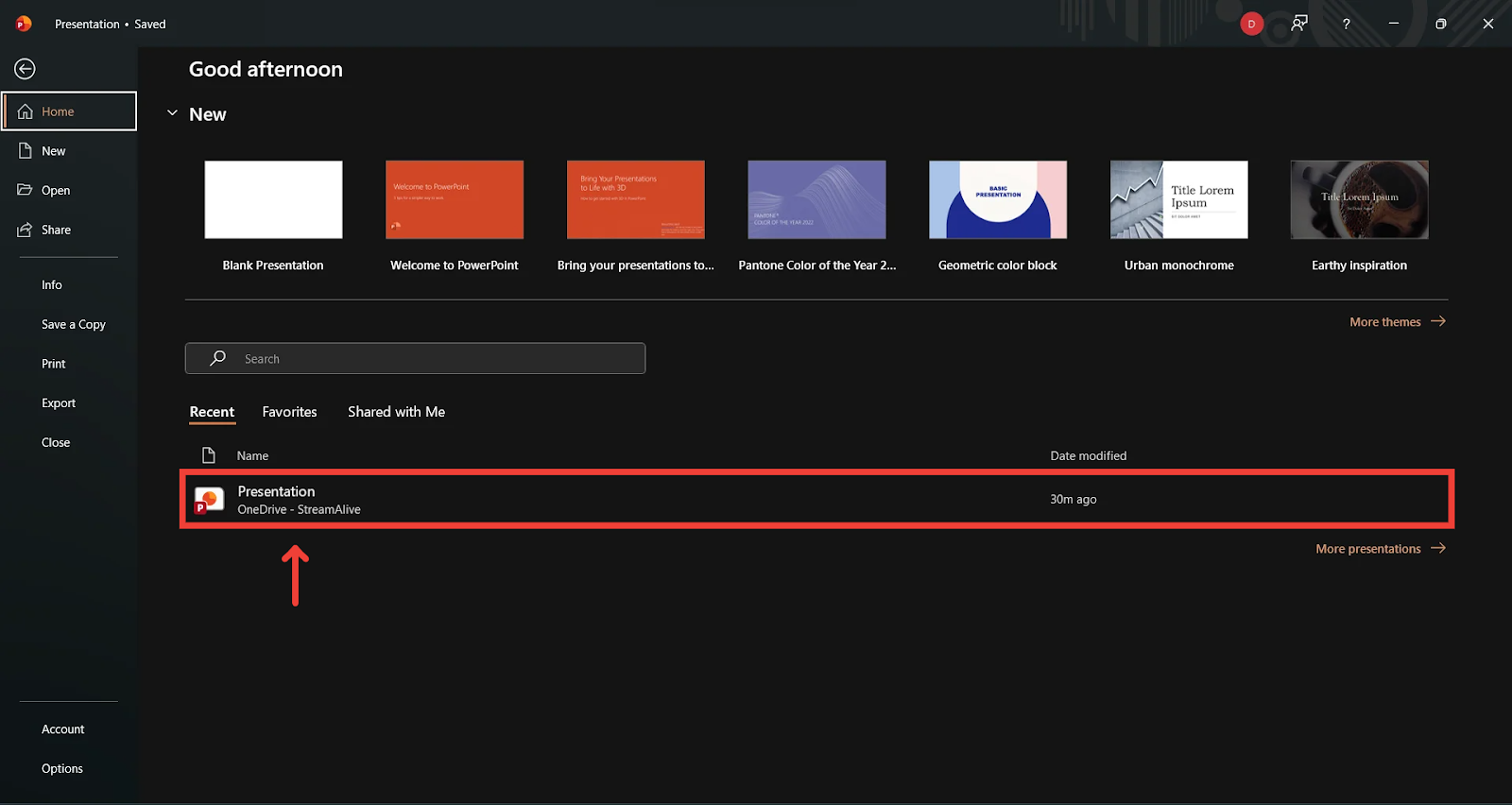
Open Your PPT File
Start by opening the PowerPoint presentation where you want to embed StreamAlive interactions.
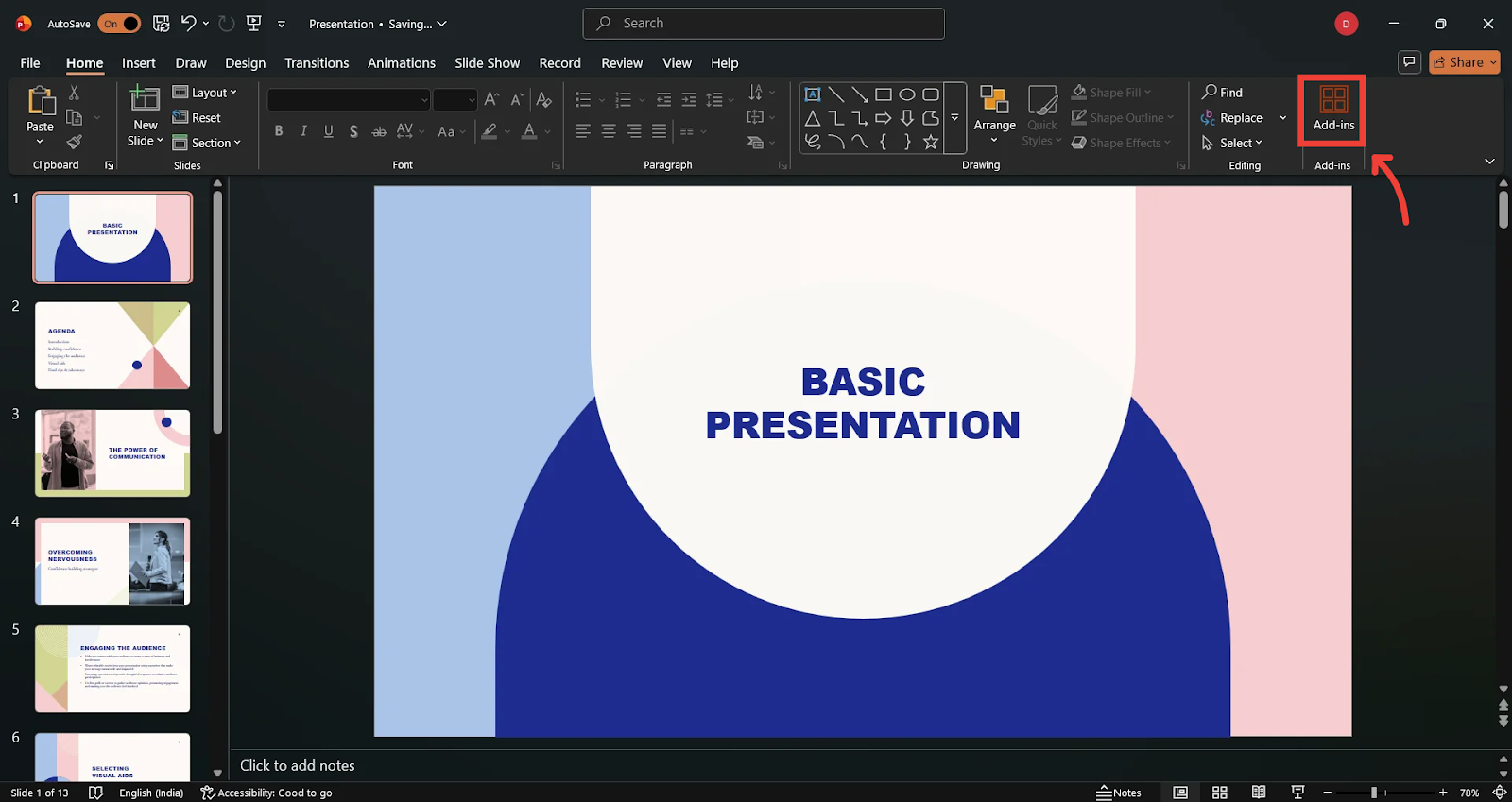
Go to the Home tab.
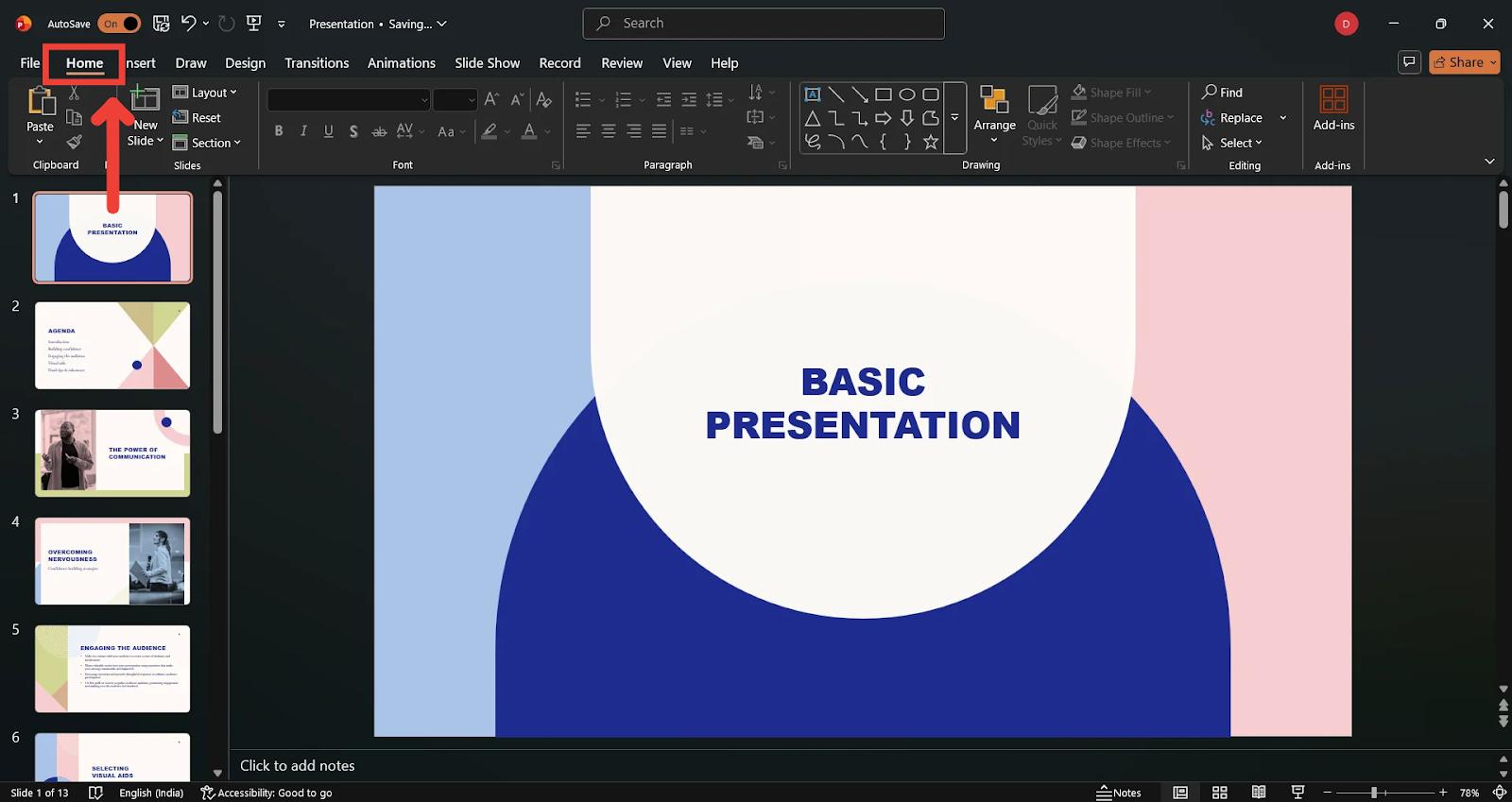
Click Add-ins
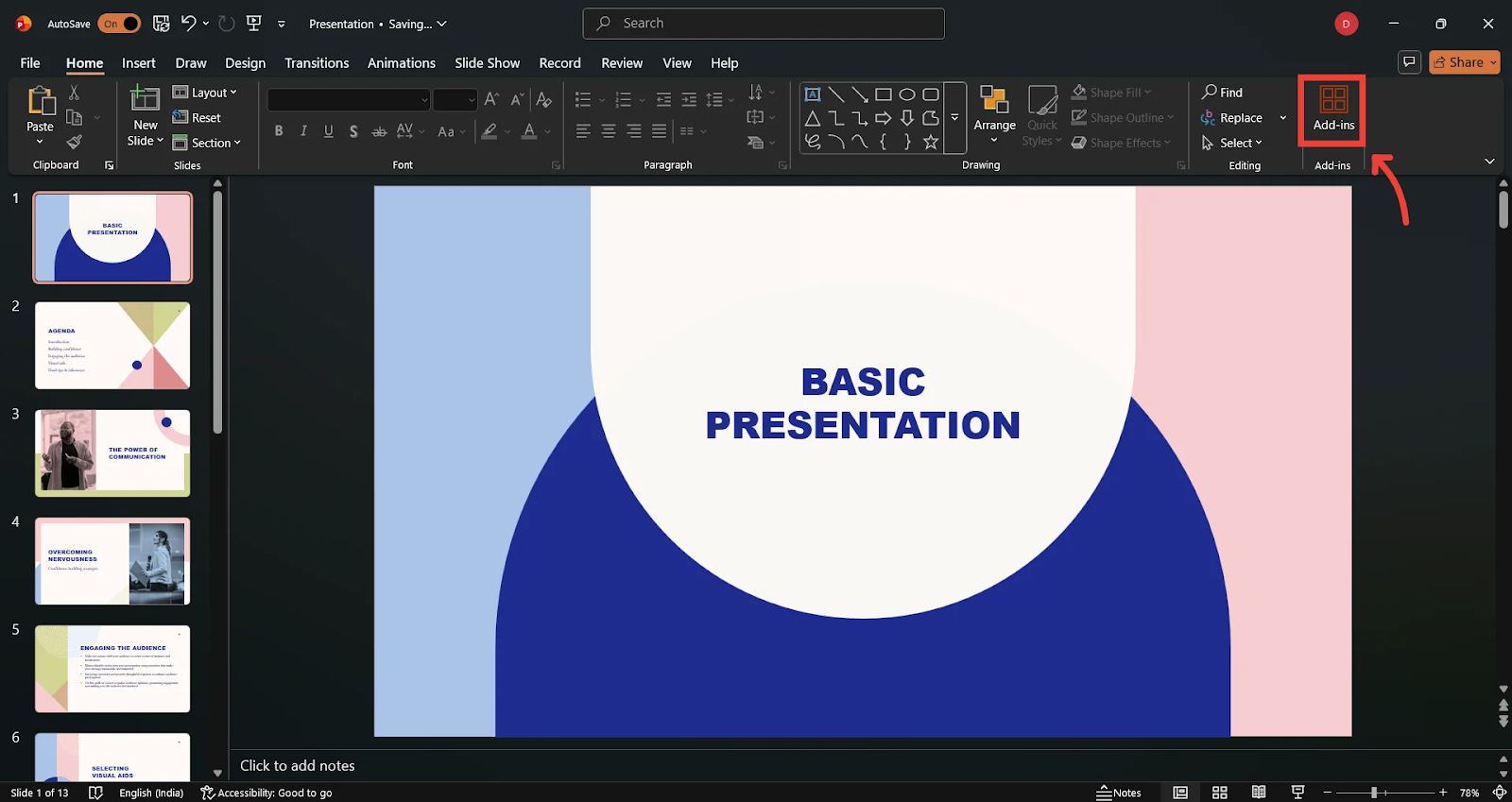
Select + More Add-ins at the bottom.
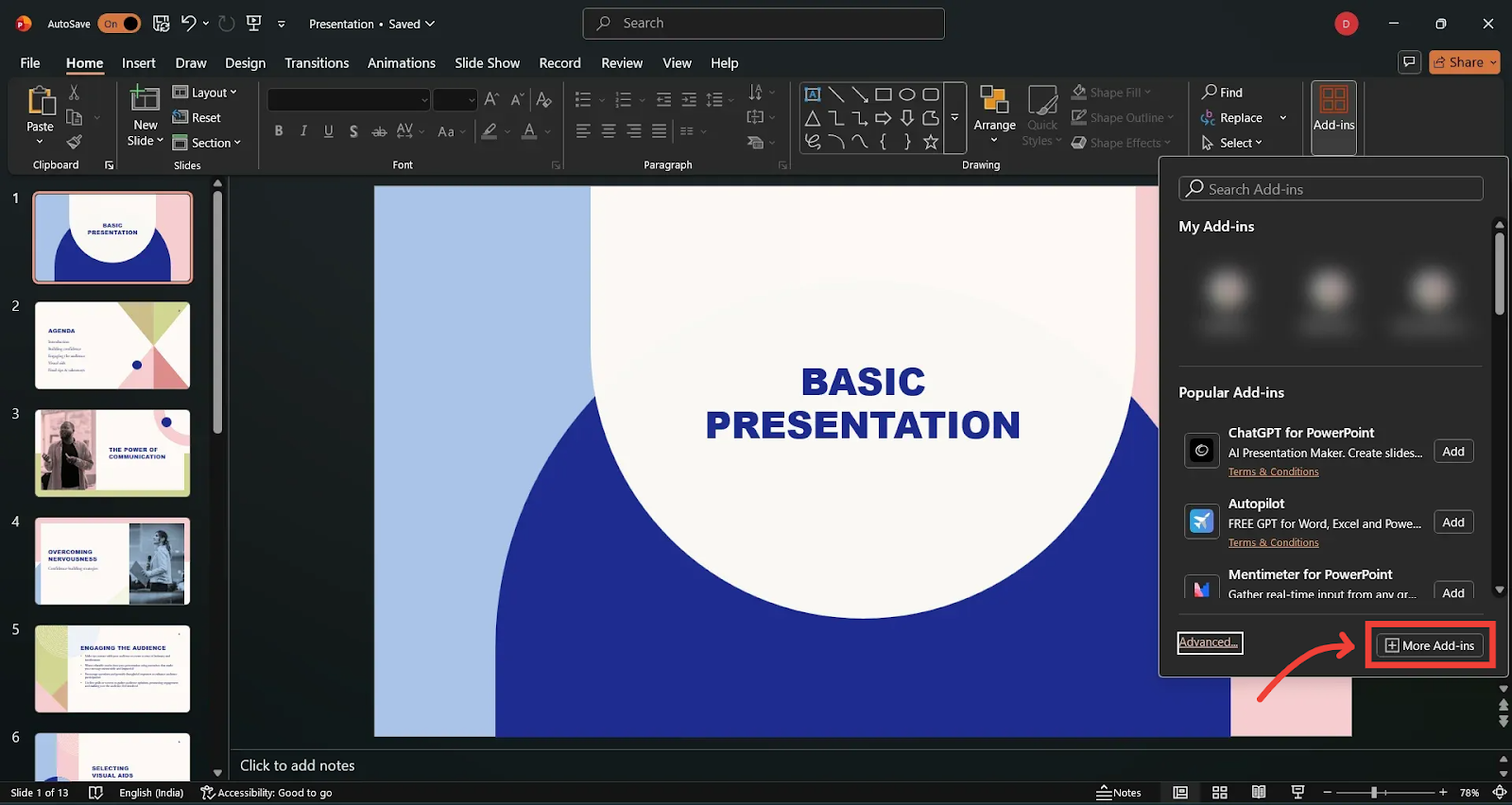
This will open Microsoft’s AppSource Marketplace.
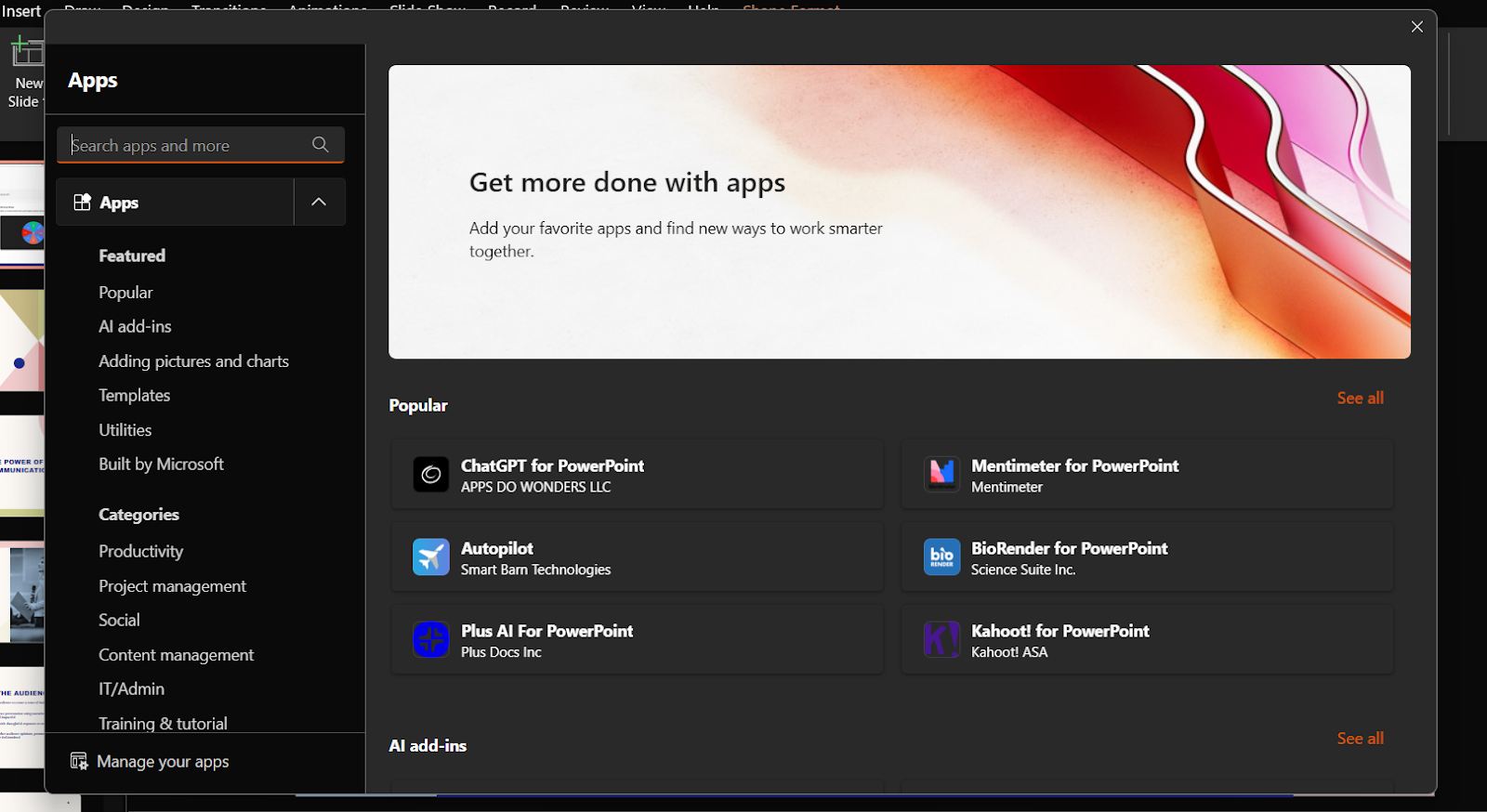
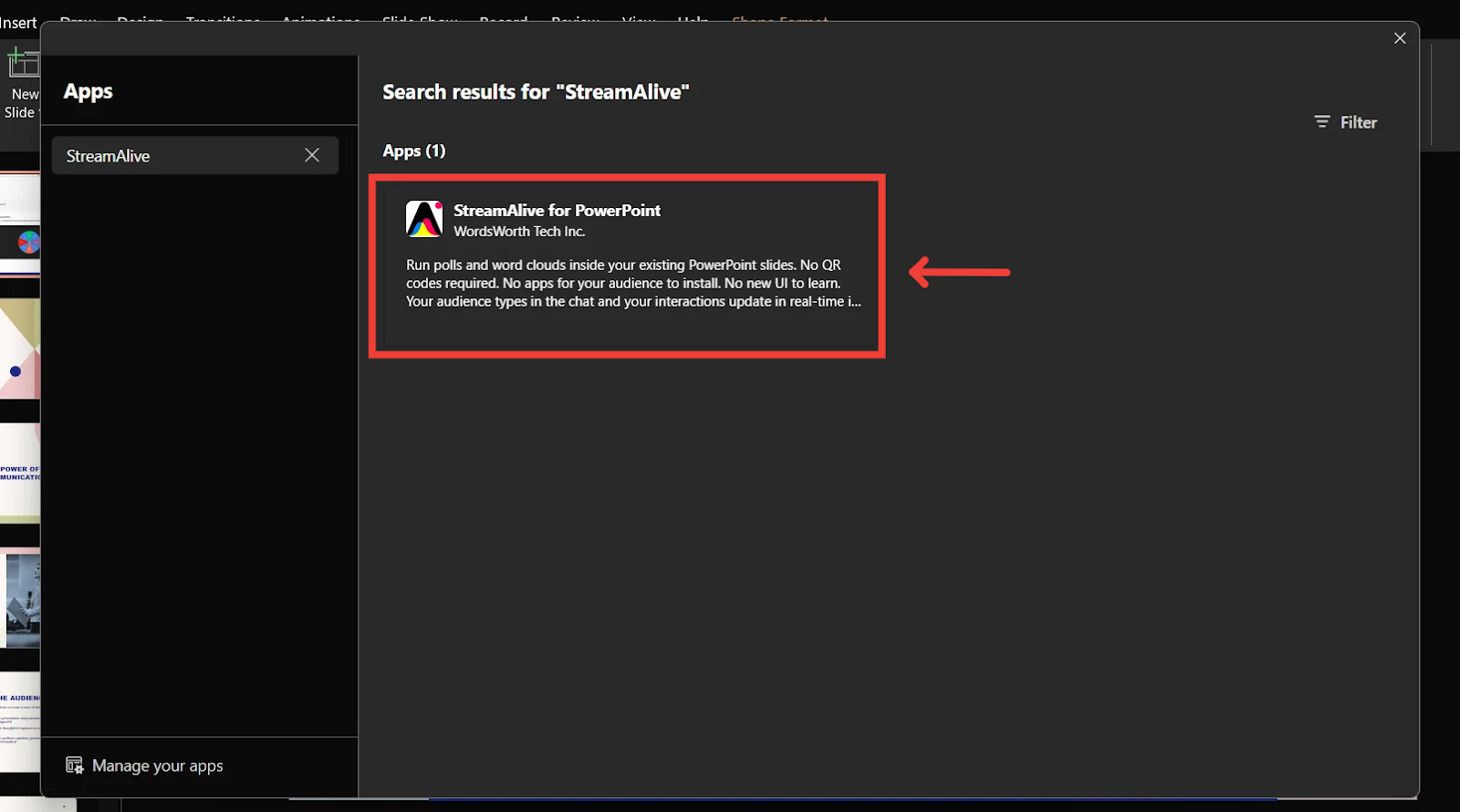
Search for StreamAlive.
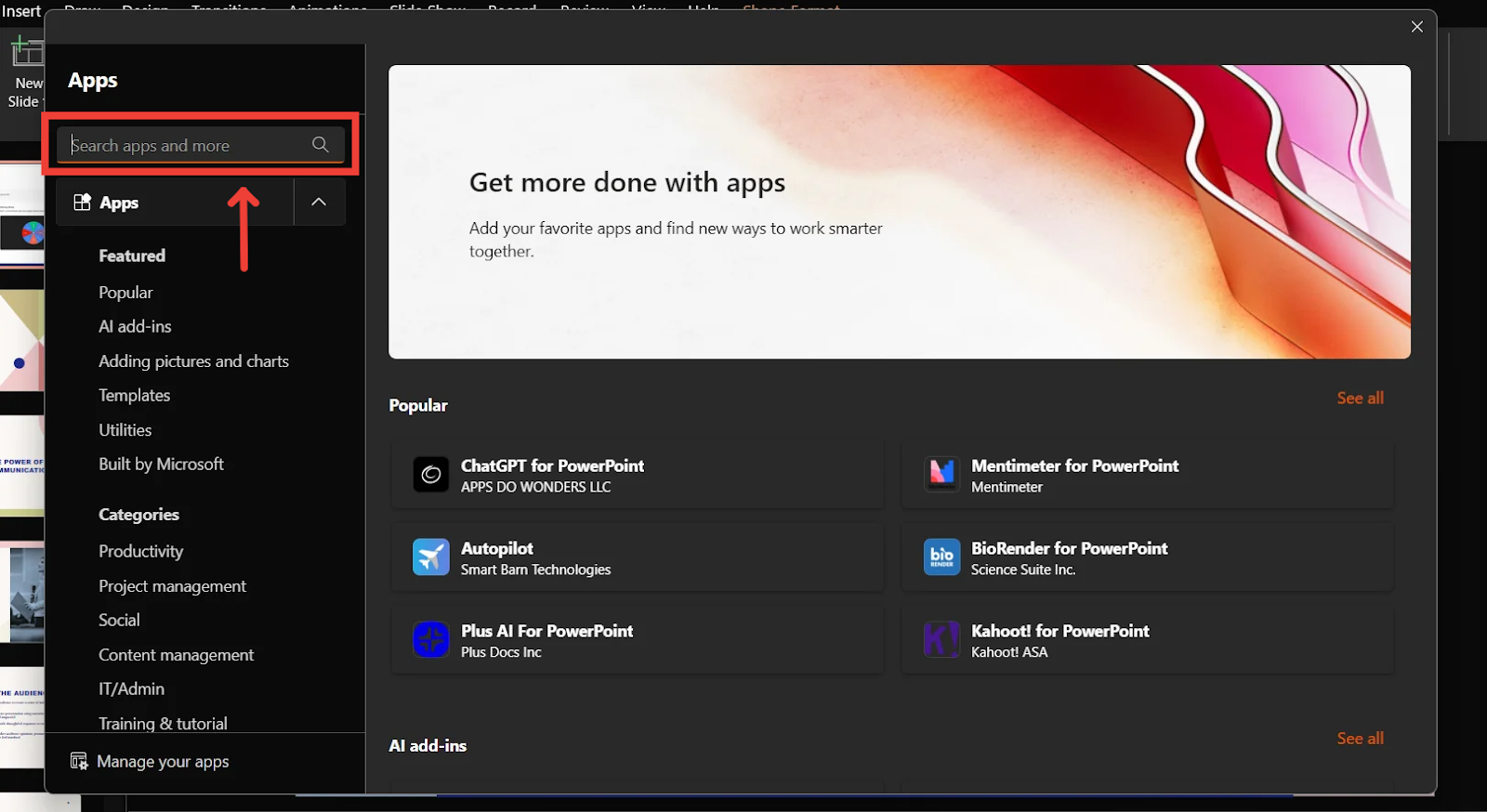
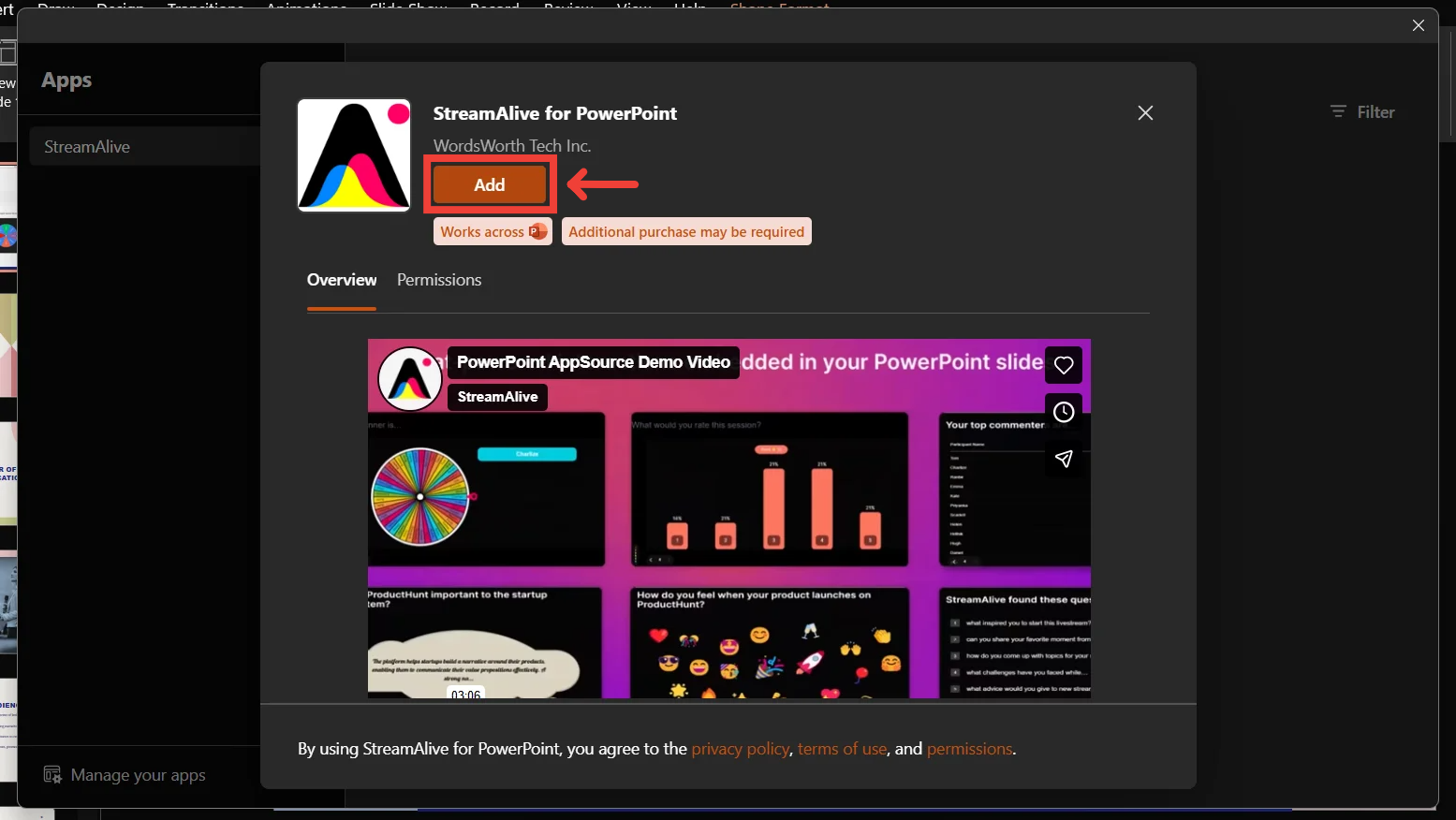
Click on the StreamAlive listing, then click Add to install the add-in.
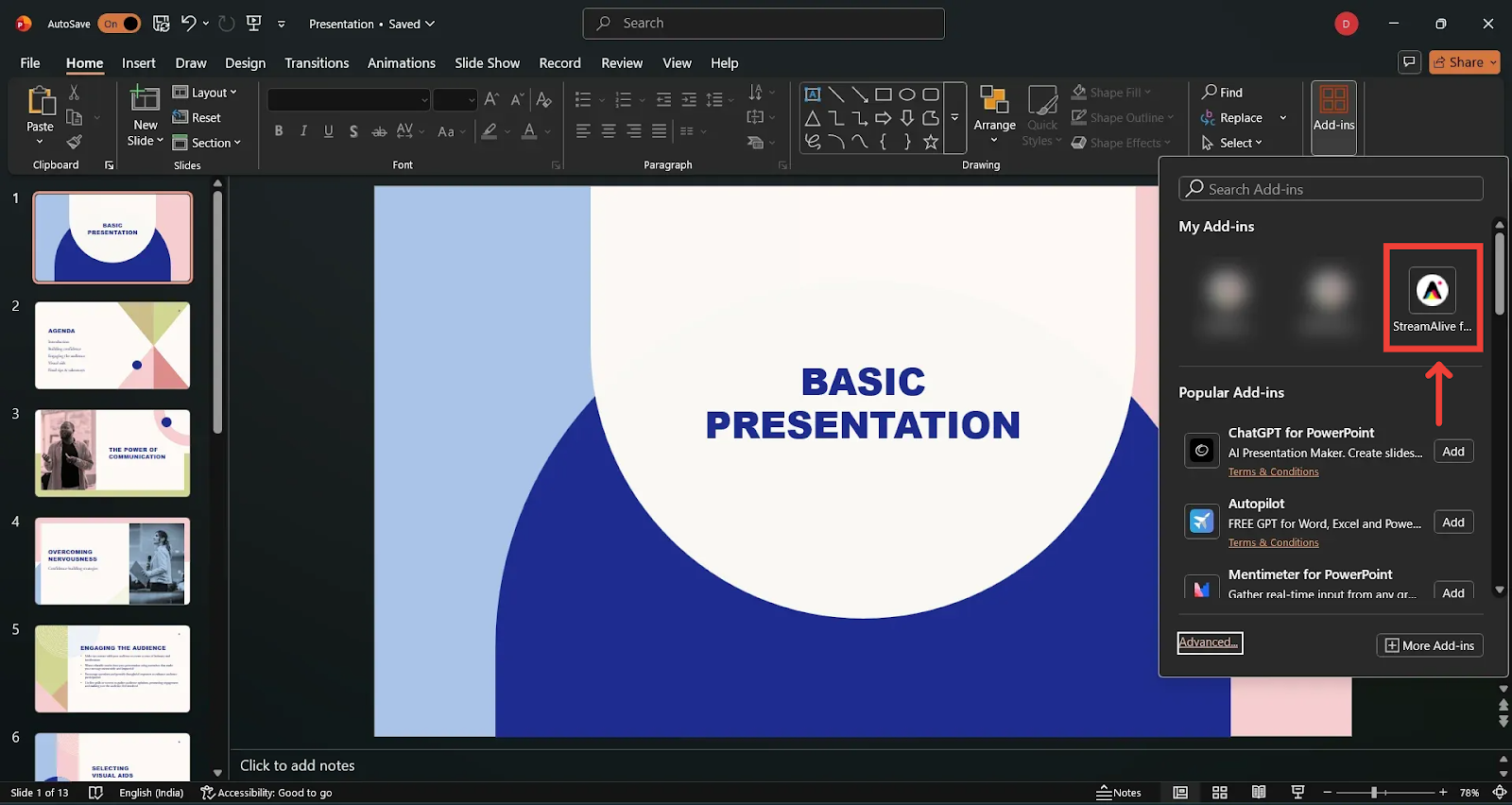
Once added, go back to Add-ins and you’ll find the StreamAlive add-in listed there.
That’s it! Your StreamAlive PowerPoint Add-in is now installed and ready to use.
Related Articles
Was this helpful?
Still need help? Ask the team