How to Manage Your StreamAlive Subscription
Written By Donkin Lyngdoh
Last updated 6 months ago
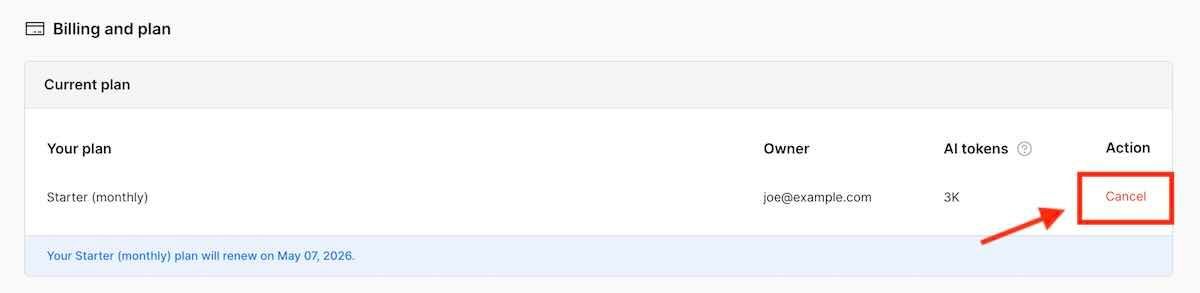
You can manage your StreamAlive subscription at any time, whether you want to upgrade, downgrade, or cancel your plan.
Where do I manage my subscription?
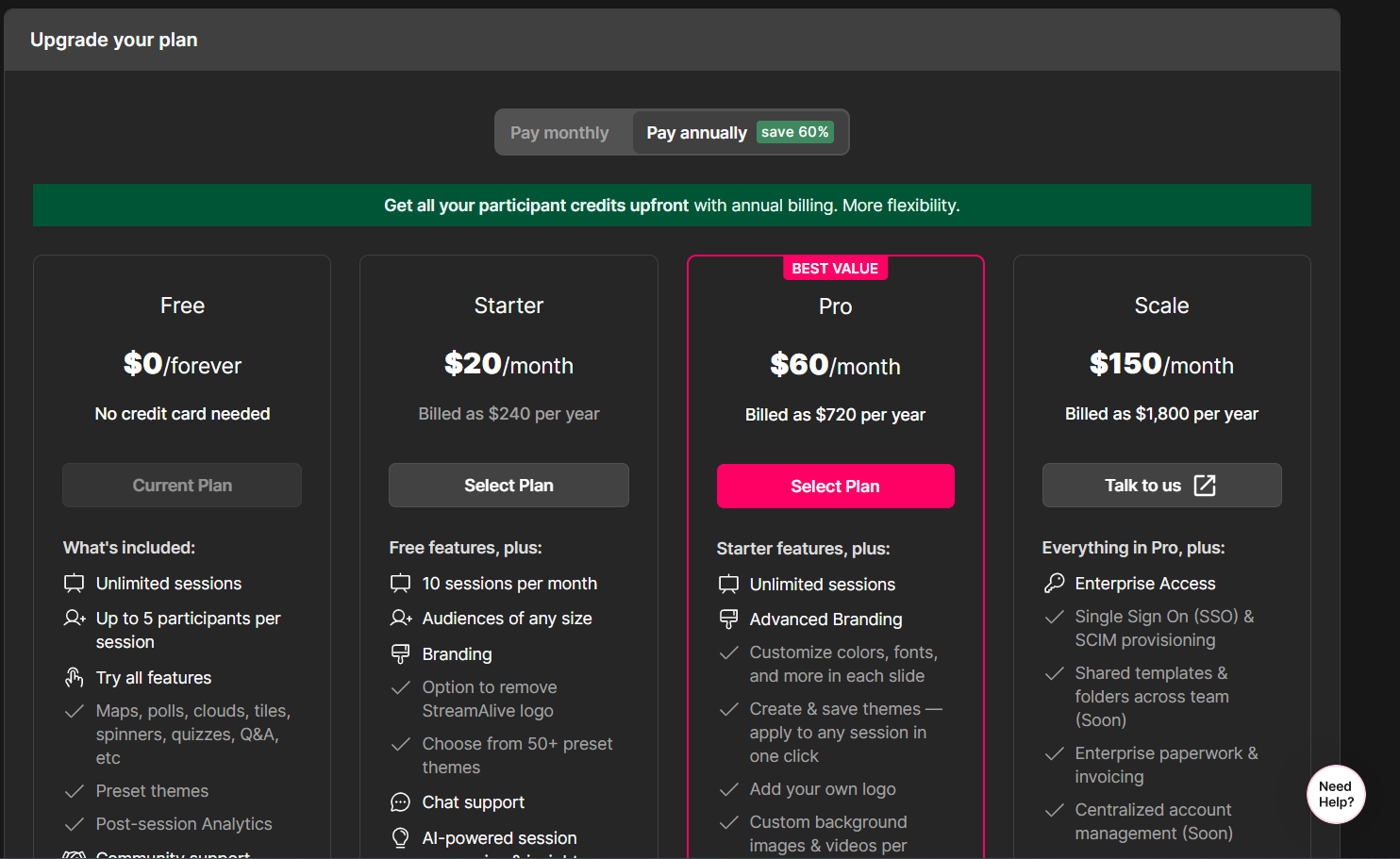
To manage your subscription, go to:
https://app.streamalive.com/pricing
From this page, you can:
Upgrade to a higher plan (e.g., Startet → Pro)
Downgrade to a lower plan
Switch between monthly and annual billing
How does billing work?
All subscription billing is securely handled by our payment provider, Stripe.
When you access the pricing page, you can then open your Stripe subscription manager and manage your subscription from there
Was this helpful?
Still need help? Ask the team